Top Spray Paint Script 2026 with Auto Draw and Keyless
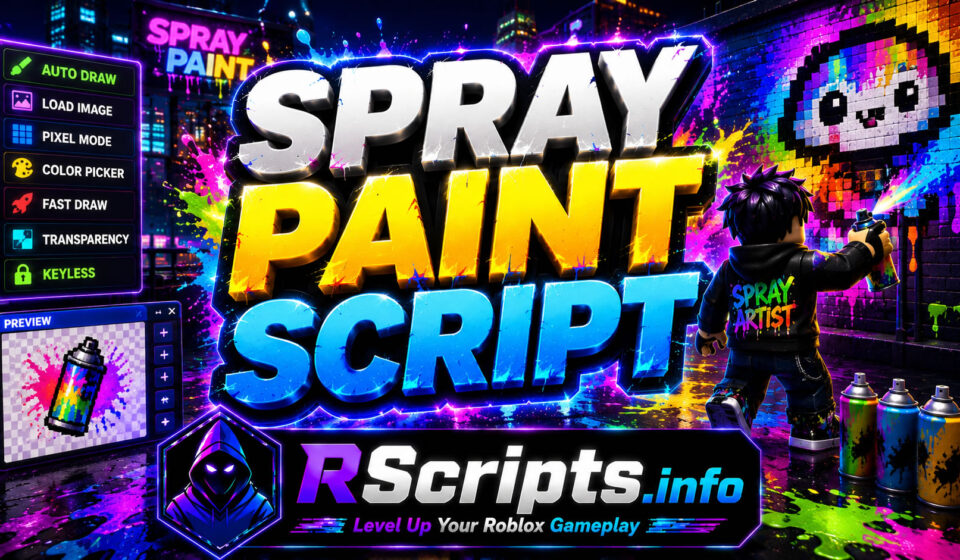
Expressing architectural creativity and building beautiful virtual masterpieces requires meticulous coordination and extensive motor accuracy. Running a streamlined Spray Paint Script equips your character with specialized matrix rendering engines that translate high-resolution imagery into clean wall art.
By deploying these automated rendering paths, you can completely avoid agonizing hours of manual pixel tracing and unlock aesthetic milestones seamlessly. Loading a balanced Spray Paint Script lets you map detailed designs perfectly onto competitive public server canvases without physical layout imperfections.
The independent engineering department at RScripts.info works daily to help you “Level Up Your Roblox Gameplay” by verifying external asset compilation directories. Be sure to explore our official Pinterest Profile to secure immediate updates regarding structural framework releases and configuration adjustments.
Core Mechanics and Key Spray Paint Features Explained
An external modification setup coordinates physical user inputs with internal canvas color coordinates to establish automated vector positioning routines. Utilizing a stable Spray Paint Script removes human input errors by calculating line distribution fields through custom horizontal or pixel by pixel drawing routes.
- Instant Auto Draw Mapping from Direct Image Web Addresses
- Custom Pixel Compression and Canvas Resolution Management
- Advanced Base64 Graphic Storage and Asset ID Conversion
- Automated Tool Equipping and Color Selection Routines
- Integrated Hotkey Pause Commands and Canvas Layer Previews
- Transparent Background Removal and Vector Layer Customization
Top +1 Speed Butter Escape Script 2026 with Auto Win
Verified Spray Paint Script Combinations and Source Code
A few independent programming groups compile distinct execution scripts to integrate external image databases directly with your local drawing tools.
Multiple hubs offer customized features.
Lunariel Edition for Spray Paint
An advanced configuration profile that utilizes input management properties to construct high-fidelity drawings using direct image web references.
Features
- Automated direct image link translation
- Advanced depth first search vector processing
- Built-in transparency fill toggle options
- Dynamic color range reduction optimization
Script Code
Lua
loadstring(game:HttpGet("https://raw.githubusercontent.com/LunarielLovely/Scripts/refs/heads/main/SprayPaint"))()
Why Players Prefer Lunariel
The integrated layout manages complex visual conversion paths directly without forcing players to download cumbersome external photo altering software bundles. Mobile creators select this special Spray Paint Script variant because it includes intuitive touch-screen buttons to handle complex pause cycles easily.
RJfff Edition for Spray Paint
A classic asset tracking tool engineered to convert internal catalog identifiers into high-resolution drawing patterns with multi-click stability options.
Features
- Native asset directory file loading
- Adjustable drawing frequency clock adjustments
- Multiple click per point configuration balances
- Automated workspace spray tool deployment
Script Code
Lua
loadstring(game:HttpGet("https://api.jnkie.com/api/v1/luascripts/public/2a120d8ba54b11d9f15eaee3565e2ed4f1986e00dfed0d8a213663d3c42f02a1/download"))()
Why Players Prefer RJfff
Adjusting the point click frequency provides remarkable protection against server-side rendering lag on low performance connections. Advanced landscape artists prefer this Spray Paint Script setup because it handles massive pixel densities across public structural areas cleanly.
Top Paint and Seek Script 2026 with Autowin and ESP
Double D Triple H Edition for Spray Paint
An optimized graphic rendering network designed specifically to parse local file structures directly from your client workspace directory.
Features
- Targeted local storage document identification
- Interactive on-screen preview position manipulation
- Custom compression downscaling adjustment sliders
- Quick shortcut hotkey integration properties
Script Code
Lua
loadstring(game:HttpGet("https://raw.githubusercontent.com/Artem1093z/ScriptsGo/refs/heads/main/PNG_Loader.txt"))()
Why Players Prefer Double D Triple H
The ability to pull files straight from your execution workspace ensures rapid asset parsing without relying on external web host connections. Casual painters implement this Spray Paint Script due to its efficient preview positioning layout and responsive brush management options.
Analytical Performance Comparison of Spray Paint Hubs
| Script | Main Features | Performance | Ease of Use |
| Lunariel | Direct URL Processing, DFS | High Precision | Medium |
| RJfff | Asset ID Tracking, Speed Caps | Highly Stable | Straightforward |
| Double D Triple H | Local Workspace Loading, Previews | Fast Execution | Toggle Heavy |
Complete Execution Guide for Spray Paint
Setting up your automation tools takes less than two minutes if you follow these basic processing instructions. Make sure to smoothly state that this guide applies to any verified Spray Paint Script variant in 2026.
Steps:
- Launch your native Roblox client and open the main Spray Paint game lobby.
- Launch your chosen, updated customization software or supported script runner.
- Navigate to RScripts.info and copy the raw working verified script configuration text from your chosen script section above.
- Paste the exact clipboard line directly into the main code execution panel of your supported script runner.
- Apply the selected configuration and wait for the dashboard to load to introduce the source files into the client.
- Interact with the newly visible dashboard menu to toggle your favorite configurations.
Supported Mobile and PC Execution Environments for Spray Paint
Deploying these physical modification routines demands a resilient processing pipeline capable of handling active virtual peripheral commands continuously. Creators report fantastic operational consistency when loading configurations across modern client platforms including Volt, Potassium, Synapse Z, Wave, Delta, Codex, OpiumWare, and Seliware.
As core architecture protocols undergo platform maintenance updates, the management group at RScripts.info provides immediate text adjustments to keep parameters functional throughout 2026.
Evaluated Pros and Cons of Spray Paint Automation
Strategic Benefits of Spray Paint Tools
- Draws massive complex graphics instantly onto any public structure canvas.
- Adjusts pixel layout densities to accommodate severe server network latency.
- Eliminates human design flaws by tracking clean horizontal rendering lines.
- Running a premium Spray Paint Script simplifies complex color palette selection rules in 2026.
- Provides overlay screens to evaluate sizing ratios prior to starting your drawing.
Operational Limits of Spray Paint Tools
- Demands an external supported script runner that effectively supports virtual input mechanics.
- Character movement or peripheral adjustments during active processing will disrupt your drawing alignment.
Safe Usage and Professional Disclaimer for Spray Paint
When testing image configuration panels, utilizing an alternative test profile protects your historical profile metrics from administrative reviews. Avoid choosing excessive rendering speeds inside high-occupancy art servers to reduce the likelihood of attracting negative community attention.
While our screening panel updates our code library continuously to provide stable links, system modifications can briefly disrupt execution stability. Overall configuration response is deeply connected to your specific modification launcher parameters.
This informational overview is built exclusively to support mechanical research, digital education, and programming development objectives. All end users carry complete personal liability for any files executed inside their personalized virtual gaming clients.
Top Rivals Script 2026 with Keyless Aimbot and Gun Mods
Additional Roblox Gameplay Optimizers
If you find digital canvas manipulation rewarding, investigate our vast repository for similar competitive environments. We maintain updated execution guidelines for design simulators, neighborhood building modules, and cooperative fashion modeling showcases.
Strategic Verdict for Active Spray Paint Players
Choosing between direct web link conversion pipelines or direct local directory file engines depends completely on your preferred image sourcing style. Utilizing an optimized Spray Paint Script is currently an excellent path to explore commonly used community customization setups in 2026. Count on RScripts.info to supply your client workspace folder with elite, fully evaluated game automation setups.
Frequently Asked Questions
Is this Spray Paint Script toolset working in 2026?
Yes, RScripts.info provides optimized, regularly maintained configurations that fetch the latest working versions automatically from the developers’ repositories. This active synchronization guarantees your loading links stay functional over time.
Why do low-tier execution frameworks fail to run the drawing menu?
Advanced image translation modules utilize automated physical engine overrides that require elevated execution permissions. Stripped-down execution applications lack the internal architecture required to process these direct canvas input adjustments.
Can I move my camera while the automated canvas drawing is running?
No, you must avoid moving your mouse, touching your screen, or adjusting your position while the Spray Paint Script is actively tracing. Moving your character shifts the structural anchor points and distorts the output design.
What files are compatible with the local workspace folder option?
The workspace parsing layout is designed to interpret standard web graphic documents like transparent files ending with the extension png. Attempting to process alternative formats can prevent the rendering grid from establishing accurate canvas colors.
How do I correct off-center image placements on the wall?
Before starting the automated drawing loop, use the built-in position overlay utility to slide the graphic bounding box across your screen. Ensure it sits safely away from other overlapping user interface panels to prevent tracking failures.